iOS doesn't allow apps to be installed outside the App Store, but you can add SmartVVB to your Home Screen and use it just like an app:
- Open this page in Safari (this won't work in Chrome or other browsers on iPhone).
-
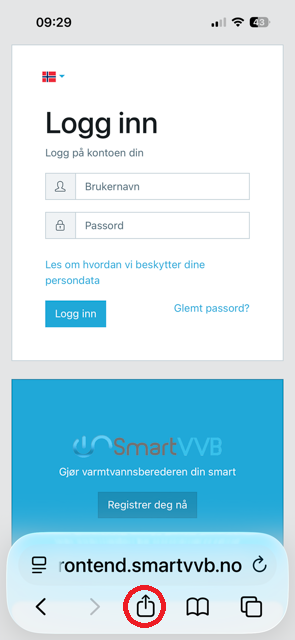
Tap the Share button at the bottom of the screen.
-
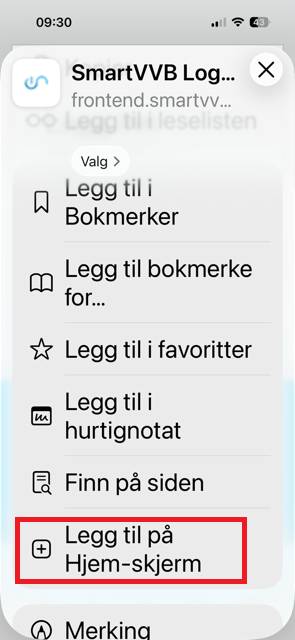
Scroll down and tap Add to Home Screen.
-
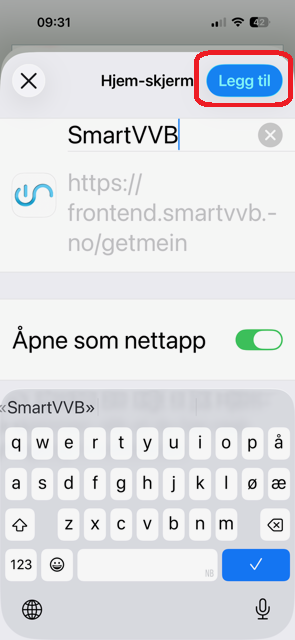
Tap Add in the top right corner.
SmartVVB will now appear as an app icon on your Home Screen.